







.webp)




.webp)






Trusted by teams at
.webp)

.png)
.png)




.png)










01
Record



01
Record
02
Create


02
Create
03
Share

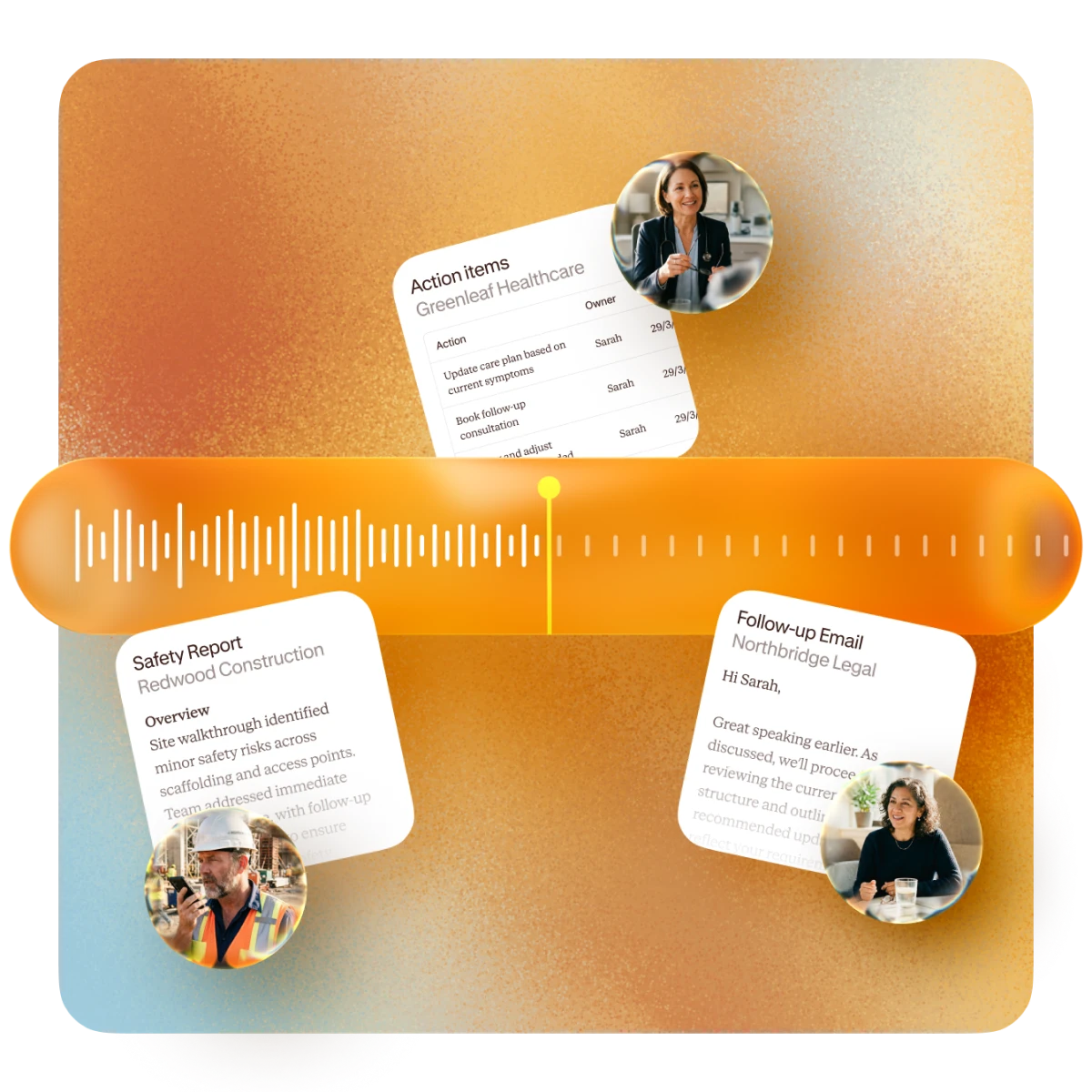
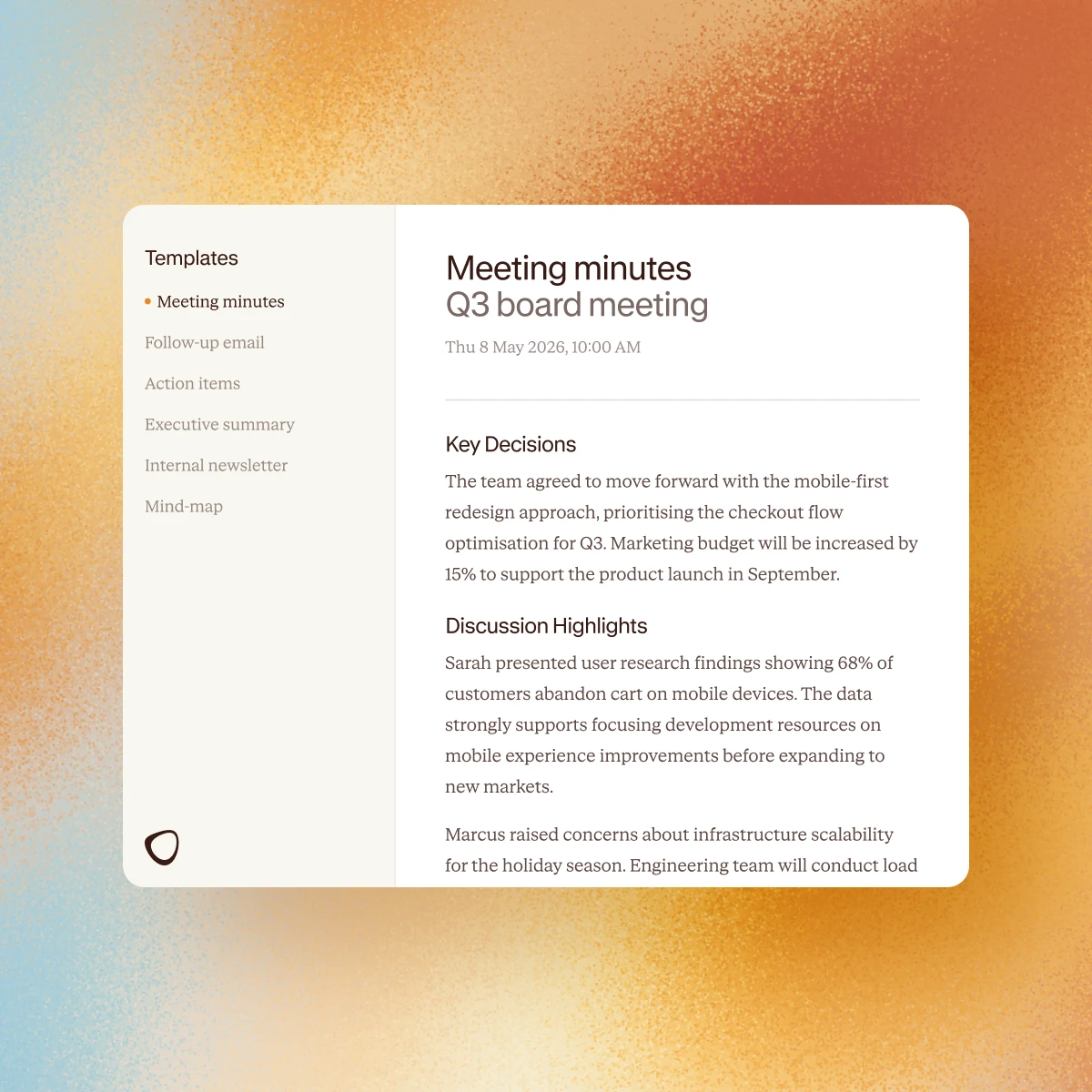
Download in Word, PDF, PNG or CSV. Edit, send to clients, share with your team, or store for compliance.
What comes out of Contented looks like it came from you. Outputs match your team's voice, formatting and brand.
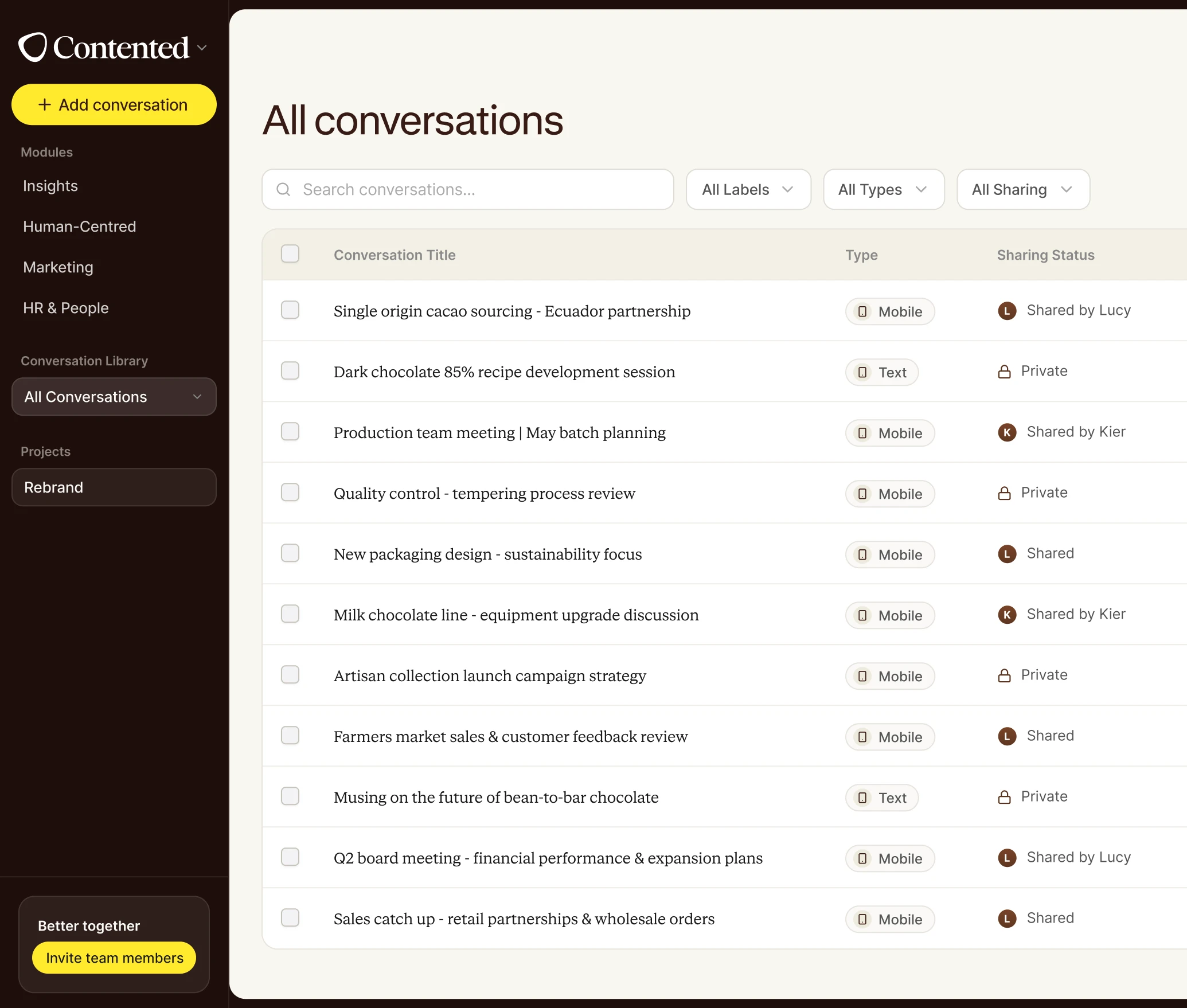
Send conversations to the team so anyone can revisit, search and pull their own insights from what was said.
Product walkthrough
See it for yourself.
Explore how reports, summaries and documentation are created from your conversations, in minutes.


.webp)
.webp)

FAQs
Can’t find the answer you’re after?
Reach out to us and we’ll get back to you.
Is there a free trial?
Yes. Every new account starts with a 7-day free trial, no credit card required. You'll get full access to record conversations, generate documents, and explore the templates. If you'd like to keep going after the trial, just add a payment method and pick the plan that fits.
Can I record in-person meetings, not just video calls?
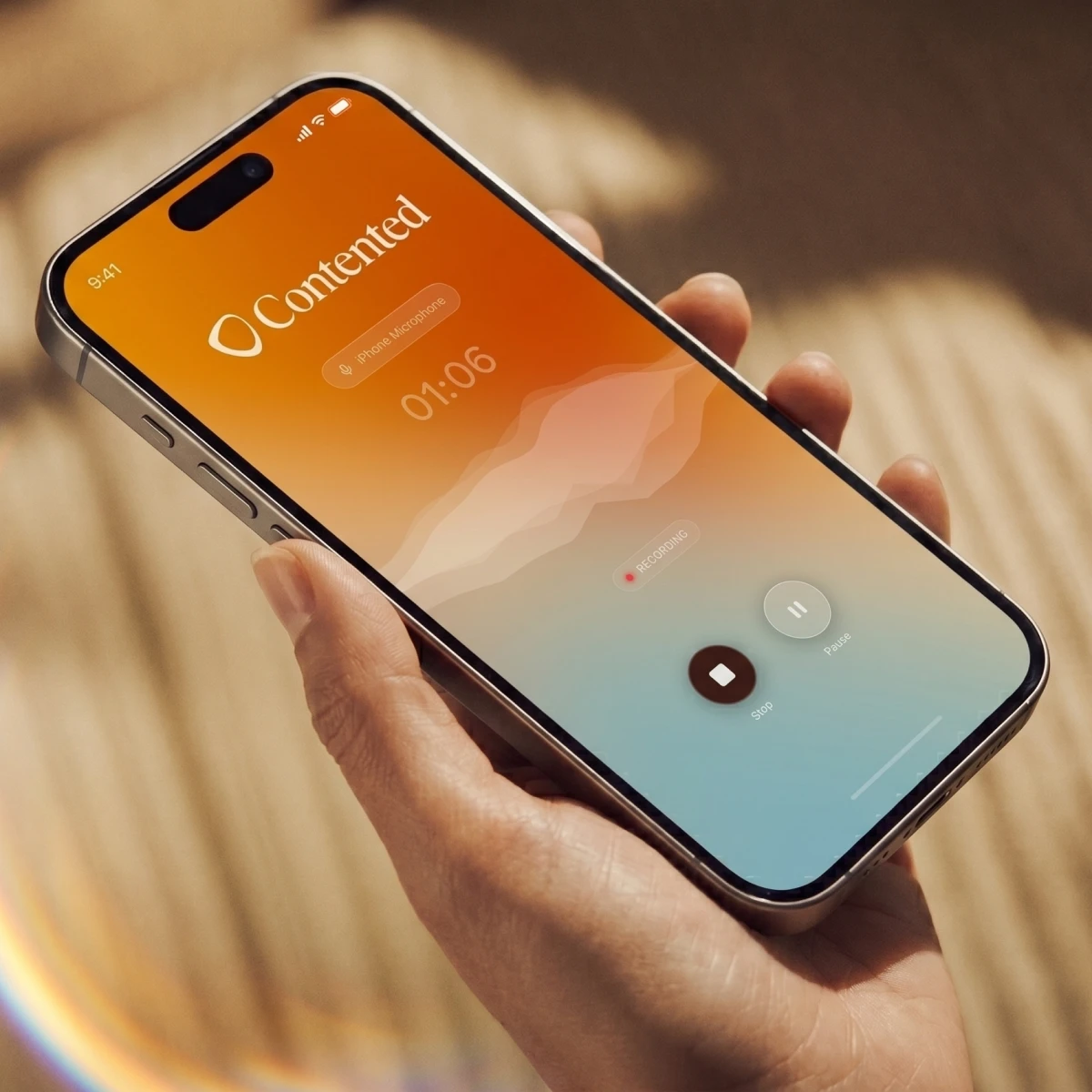
Yes. The Contented app lets you record any conversation directly from your phone or computer. No bots needed in the meeting. It also works offline, so you can capture meetings in locations without reliable signal and the recording will upload automatically when you're back online.
What kinds of meetings and conversations can I record?
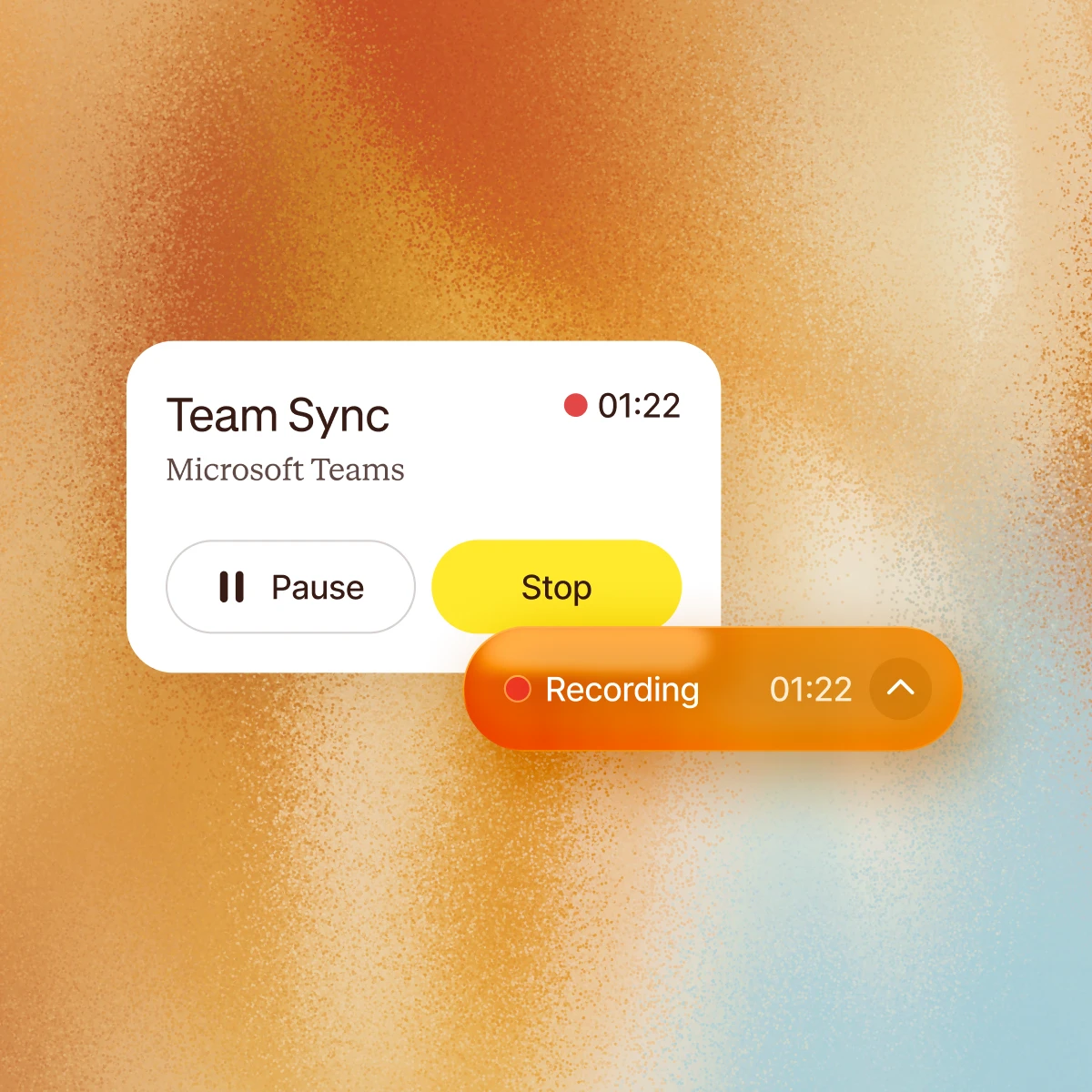
Any conversation, anywhere. Contented can record online, in person, even in your car. No meeting bot required. Capture client meetings, strategy sessions, board meetings, HR discussions, interviews, team catch-ups, conference debriefs, even your long solo musings on the beach.
Is my data used to train AI?
No. Your conversations are processed transiently and permanently deleted from your device - never stored or used to train AI models. Our AI sub-processors operate under legally binding zero data retention agreements. We never store your outputs in our applications.
How does AI meeting documentation work in Contented?
Record your conversation using the Contented app. The recording is transcribed, securely processed and synced to your Contented workspace, where you can turn it into documents, charts, analysis and more. Download as Word, PDF or CSV, share with your team and clients, or file for records.
What is Contented?
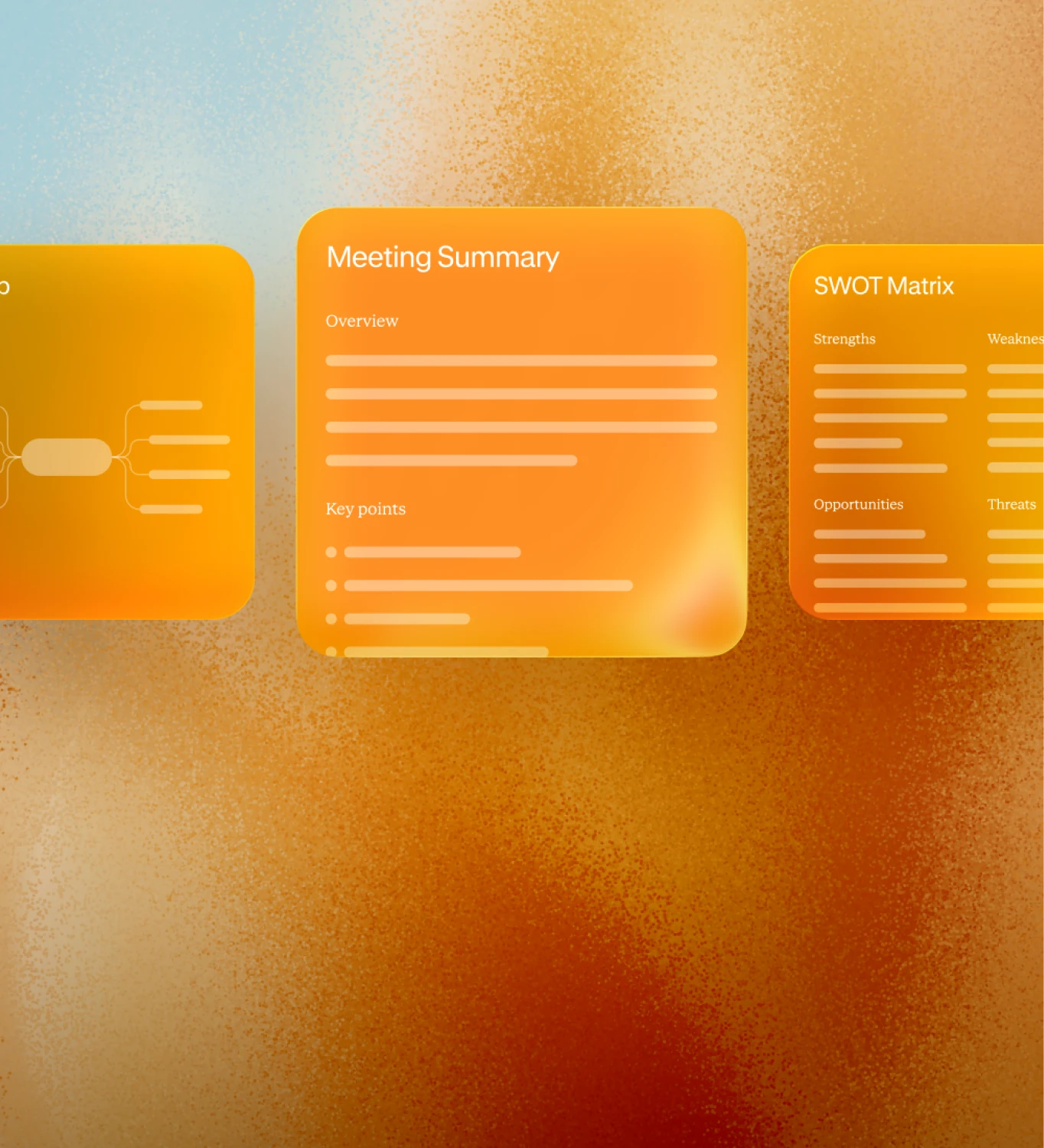
Contented is an AI meeting to documentation platform. Record any conversation and Contented turns it into professional, ready-to-share documents and insights using expert-designed templates. Create meeting minutes, compliance records, action plans, statements of advice, SWOT analyses, and more, in the time it takes to walk back to your desk.
Can I share meeting notes and documents with my team?
Yes. You can share conversations directly with individual team members or groups within your workspace. Recipients can view the conversation and generate their own documents and insights from it. You can also share with full permission, so others can edit and manage the recording. What you create can be downloaded to share as a document or CSV.
Where is my data stored?
Recordings sync to your encrypted Contented workspace and are stored on AWS servers in Sydney, Australia. All data is encrypted at rest and in transit. Access is strictly controlled and audited. Contented is SOC 2 Type 1 compliant and meets enterprise-grade security standards.
What happens to recordings on my phone after they upload?
They're automatically deleted from the device once the recording has been successfully uploaded to your encrypted workspace. Audio never sits on personal devices longer than necessary, which matters for organisations with BYOD policies.
Do I need to ask for consent before recording a meeting?
We encourage you to. The Contented app includes a consent reminder before you hit record. We've published a practical guide to asking for consent in a way that feels natural, not awkward. Download it here.
How do I set up Contented?
Create an account at contentedai.com or join your team's existing workspace. Download the Contented mobile app on your phone and the app for Windows on your computer. Log in with those same details. You’ll use the apps to record your meetings and conversations, and the workspace to produce polished documents and insights.
Does Contented work with different accents and languages?
Yes. Contented is built to handle diverse accents, multiple speakers, background noise, and technical or industry-specific vocabulary. Templated outputs can be generated in any language, making it practical for multilingual teams and organisations operating across different regions.