









.webp)




.webp)






On Windows
Mobile app
Your workspace
.webp)
.webp)
.webp)
%20(1).webp)


On Windows.
Contented records any conversation, including video calls and in-person meetings, from your computer.
- It records via the system audio, with headphones, and through your microphone.
- Everything securely uploads to your Contented workspace, where you can choose who to share it with and what you want to produce.
- Mac coming soon.

.svg)
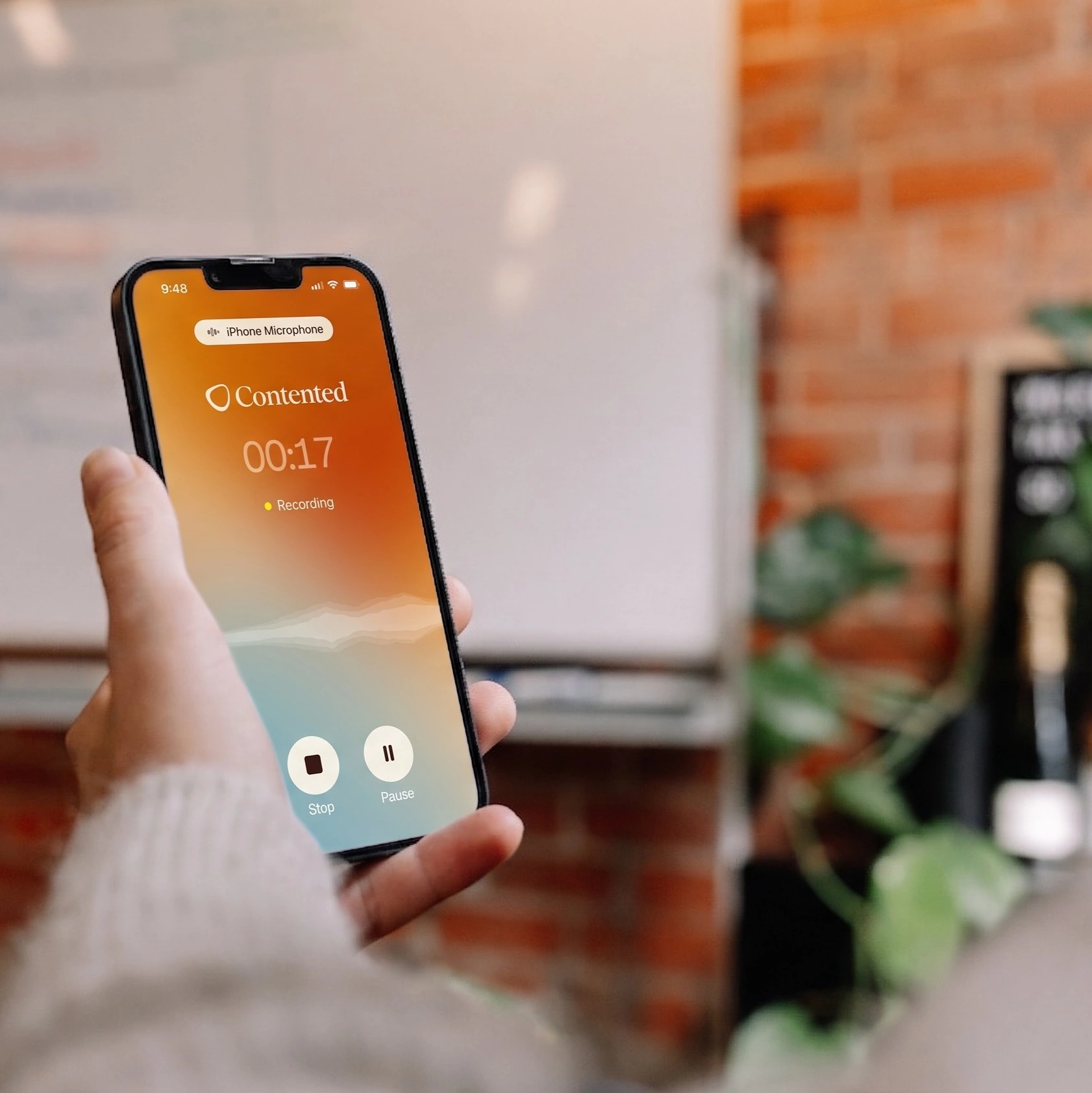
Mobile app.
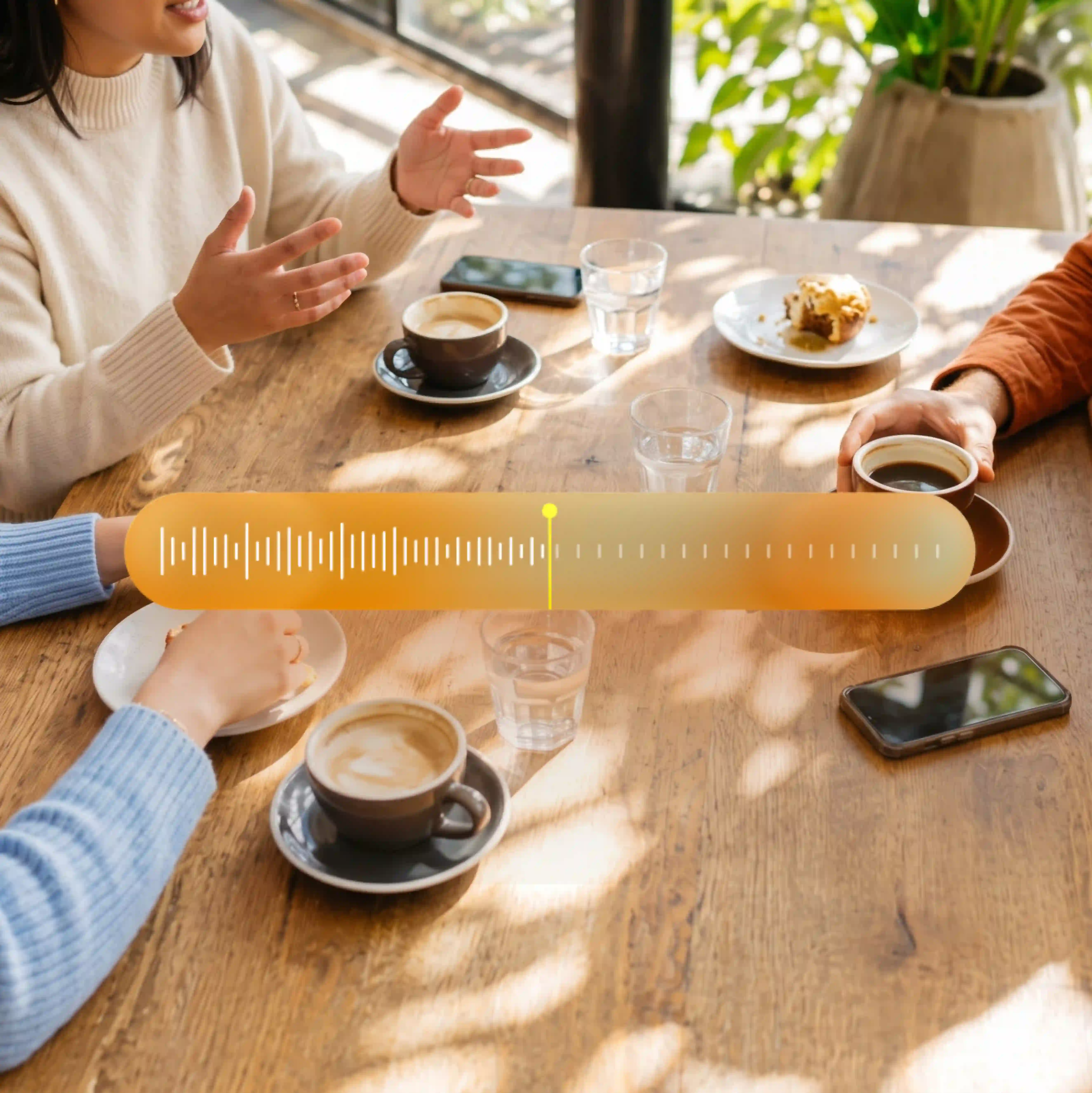
Record anywhere - on site walkthroughs, in board rooms and cafes, at conferences, etc.
- Capture important insights on the go - anywhere a conversation happens. It's built for noisy spaces and lots of cross chat.
- Create quick outputs such as a meeting summary, action items, and follow-up email.
- Share directly from your phone, if you need someone to pick up actions.

.svg)
Workspace.
Your workspace is where you can access the full power of Contented.
- Recordings from both your mobile and computer apps transfer automatically to your workspace.
- There are 50+ templates to choose from. Turn conversations into polished documents, insights, tables, and content, in a few clicks.
- Create, save, and share shortcuts for individualised outputs.
- Download as PDF, Word, CSV or PNG.
- Your conversations live here as a library you can refer to later.