









.webp)




.webp)





What is a capabilities matrix template?
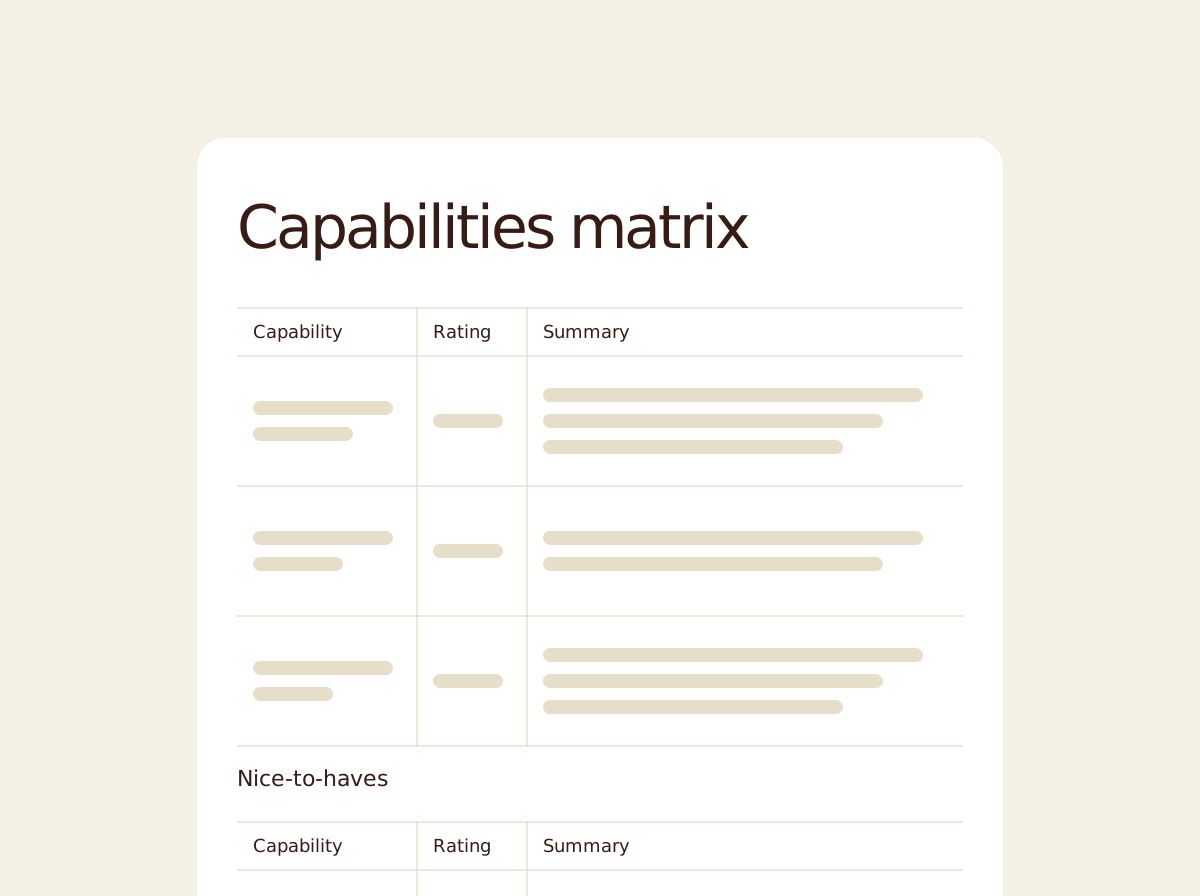
A capabilities matrix is the structured assessment document that turns a hiring conversation into a rating system. Each capability the role requires is rated and colour-coded, backed with evidence from the conversation, and accompanied by a short explanation of why the rating landed where it did.
Contented produces the matrix directly from the recording. Ratings draw on what was said, evidence includes the figures and named outcomes the candidate described, and where the evidence is thin the template flags it transparently rather than overrating.
.svg)
How to use a capabilities matrix template
Record your interview or assessment conversation in the Contented app, pick the capabilities matrix template, and download a structured rated assessment within minutes.
1. Record your conversation
Capture the conversation in the Contented app on desktop or mobile. This template is built for the kind of conversation where a candidate, employee, or contractor is being assessed against a defined set of role capabilities, such as hiring interviews, internal moves, evaluations, and performance reviews.
2. Select the capabilities matrix template
Choose the capabilities matrix template from your Contented workspace. Contented works through the recording, identifies evidence against each capability raised in the conversation, assigns a rating (green, orange, red), and writes a short summary against each one. Key capabilities are separated from nice-to-haves, and a final overall assessment names the candidate's profile and the main area to test further.
3. Review and export
Download as PDF or Word within minutes. Use it for your hiring panel review, candidate feedback, or as the structured input for a hiring decision.
Who uses a capabilities matrix?
Anyone who needs to assess one person against a defined set of role criteria.
A few examples:
- Recruiters and hiring managers after candidate interviews, where a panel decision needs structured evidence behind each capability, not just impressions.
- Internal mobility decisions, where an existing employee is being assessed for a new role.
- People and HR leads conducting structured performance reviews against role profiles or career frameworks.
- Contractor and consultant selection, where multiple candidates need to be compared on the same criteria.
- Promotion and progression conversations.
- Hiring panels that need each member to walk out of the conversation with the same rated view of the candidate.
What's in a capabilities matrix template?
- A two-tier structure separating key capabilities (essential, must-haves) from nice-to-haves (desirable, non-blocking).
- A traffic-light rating against each capability for instant scannability, paired with a one-line summary in the table.
- Expanded details against each key capability, with specific evidence from the conversation: named outcomes, figures, direct examples, and the strategic decisions the candidate described.
- Honest distinction between strengths and gaps. Where evidence is thin or the candidate's experience hasn't fully matched the requirement, the template names it transparently.
- Overall summary at the end, identifying the candidate's profile, the strongest areas of fit, and the main capability to test in the next conversation.
- Export-ready as PDF or Word, suitable for the hiring panel, candidate record, or formal hiring documentation.
FAQs
Can I record in-person meetings, not just video calls?
Yes. The Contented app lets you record any conversation directly from your phone or computer. No bots needed in the meeting. It also works offline, so you can capture meetings in locations without reliable signal and the recording will upload automatically when you're back online.
Can I share meeting notes and documents with my team?
Yes. You can share conversations directly with individual team members or groups within your workspace. Recipients can view the conversation and generate their own documents and insights from it. You can also share with full permission, so others can edit and manage the recording. What you create can be downloaded to share as a document or CSV.
Do I need to ask for consent before recording a meeting?
We encourage you to. The Contented app includes a consent reminder before you hit record. We've published a practical guide to asking for consent in a way that feels natural, not awkward. Download it here.