









.webp)




.webp)





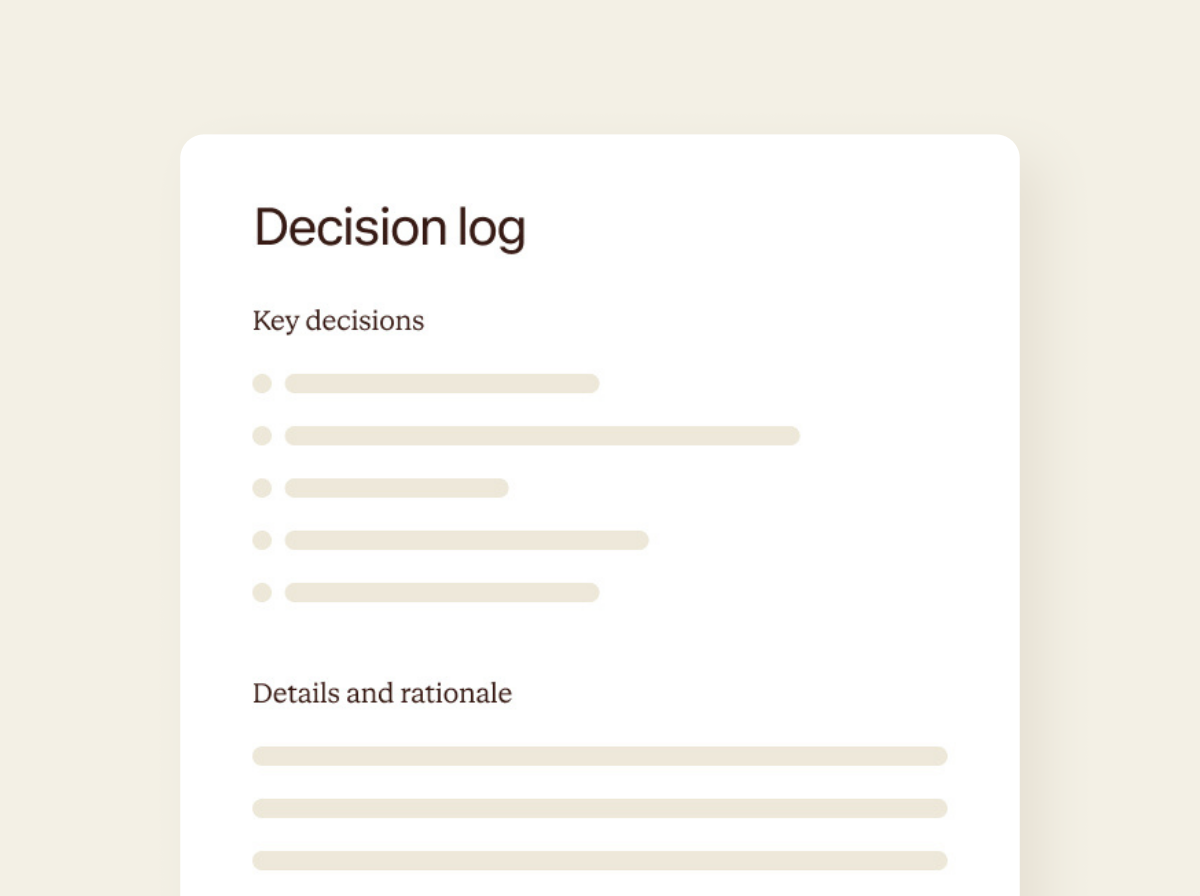
What is a decision log template?
Three weeks after a meeting, someone inevitably asks, "hang on, did we actually agree to that?". Cue the frantic scroll through Slack threads and half-remembered Zoom calls. A decision log fixes that.
It captures every decision made in your meeting: what was decided, who's accountable, and the context that shaped it. It gives you a reliable record you can reference later, without having to reconstruct events from memory or chase people for answers down the line. Contented builds it automatically from what was actually said and agreed in the conversation.

How to use a decision log template
Record your meeting in the Contented app, pick the decision log template in your workspace, and download your structured record within minutes.
1. Record your conversation
Capture your meeting in the Contented app. It handles multiple speakers and complex discussions where decisions emerge throughout the conversation.
2. Select the decision log template
Choose decision log from your workspace. Contented identifies decisions made during the conversation, along with the rationale for each.
3. Review and export
Download as PDF or Word within minutes.
Who uses a decision log?
Anyone who needs a reliable record of what was agreed and why.
A few examples:
- Leadership teams making strategic calls that will get questioned later.
- Product and engineering planning sessions where roadmap, architecture, or scope decisions need documenting.
- Agencies running client strategy meetings who need to show what was agreed without re-litigating the whole conversation.
- Non-profit boards and governance meetings where decisions need a proper audit trail.
- Remote teams across time-zones, where clarity saves hours of follow-up calls.
What's in a decision log?
- Every decision captured with context: what was decided, who's accountable, and the key reasoning or constraints that shaped it.
- Chronological structure showing decisions in the order they were made.
- No interpretation or gaps: if someone said "let's revisit this in Q3" or "we're punting on the rebrand", it's in the log.
- Conditional decisions and deferred calls captured alongside firm commitments.
- Two formats: a quick-reference numbered summary and an expanded version with full rationale for each decision.
FAQs
Can I record in-person meetings, not just video calls?
Yes. The Contented app lets you record any conversation directly from your phone or computer. No bots needed in the meeting. It also works offline, so you can capture meetings in locations without reliable signal and the recording will upload automatically when you're back online.
Is my data used to train AI?
No. Your conversations are processed transiently and permanently deleted from your device - never stored or used to train AI models. Our AI sub-processors operate under legally binding zero data retention agreements. We never store your outputs in our applications.
What kinds of meetings and conversations can I record?
Any conversation, anywhere. Contented can record online, in person, even in your car. No meeting bot required. Capture client meetings, strategy sessions, board meetings, HR discussions, interviews, team catch-ups, conference debriefs, even your long solo musings on the beach.