









.webp)




.webp)





.svg)
What is a Q&A template?
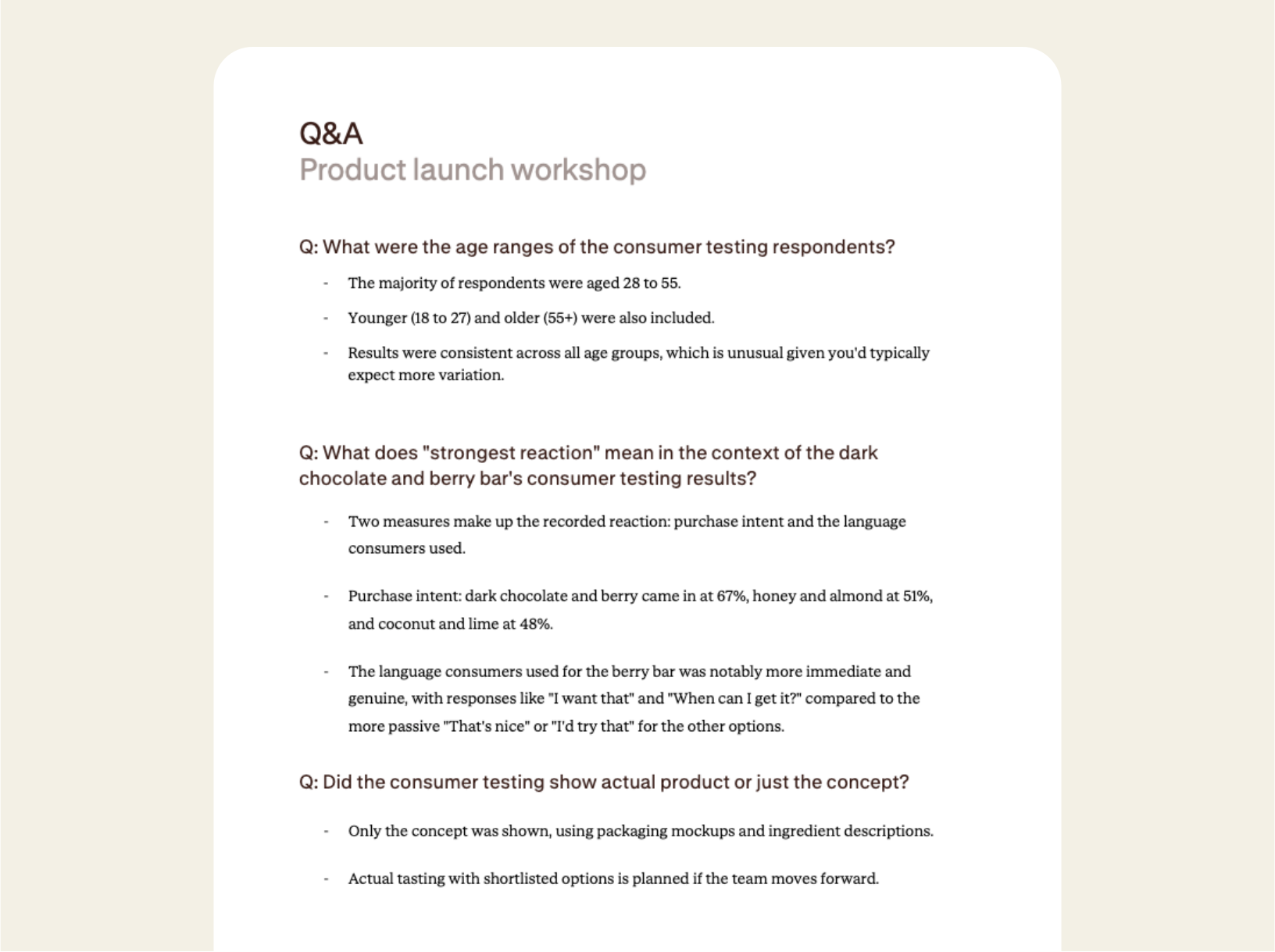
Great for those of us with fish brains, a Q&A document captures each question raised during a conversation and pairs it with the response, so nothing useful slips through the cracks.
It's a practical record created directly from the meeting. It's particularly useful when the discussion shapes decisions, clarifies processes, or brings up things that still need resolving. Think training sessions, client workshops, product feedback calls, or internal reviews where a lot of ground gets covered quickly.
How to use a Q&A template
Record your meeting in the Contented app, select the Q&A template, and download the structured document within minutes.
1. Record your conversation
Capture the meeting in the Contented app. It's great for workshops, training sessions, client calls, feedback sessions, or any discussion where those attending are asking a lot of questions.
2. Select the Q&A template
Choose Q&A from within your Contented workspace. Contented identifies each question raised in the conversation and matches it with the answer given, including any caveats, follow-ups, or action items.
3. Review and export
Download as PDF or Word within minutes of the meeting ending.
Who uses a Q&A template?
A few examples:
- Product teams running feedback sessions with customers, where each question points to something worth fixing or building.
- Trainers and onboarding leads capturing the questions that come up in sessions, so FAQs and documentation can be improved.
- Agencies in client discovery or workshop mode, where the client questions reveal what they care about.
- Internal teams running town halls or all-hands meetings, where leadership needs a record of what was asked and how it was answered.
- Consultants conducting stakeholder interviews who need to capture every question raised across multiple sessions.
- Board meetings, conferences, walking meetings, even dinner-table strategy chats where decisions are made in real time.
What's in a Q&A template?
- Every question captured with its answer, including the reasoning, caveats, and any follow-ups that came with it.
- Action items and unresolved threads are clearly recorded, so you know what still needs chasing.
- Conditional answers and deferred decisions are recorded alongside firm responses, so nothing gets lost in the "we'll come back to that" pile.
- Export-ready as PDF or Word, ready to send round immediately after the meeting wraps.
FAQs
Will it add things that weren't said?
No. Contented only works with what’s within the recording. It applies structured templates to your transcript rather than generating text from scratch, so there's no room for fabrication. Every output traces back to a speaker or timestamp, and you review and finalise everything before it leaves your team.
Can we use our own document templates?
Yes, on team plans. We build custom templates that match your organisation's existing formats, branding and terminology. Every document Contented produces is then consistent with what your team already uses, regardless of who created it.
Can I share meeting notes and documents with my team?
Yes. You can share conversations directly with individual team members or groups within your workspace. Recipients can view the conversation and generate their own documents and insights from it. You can also share with full permission, so others can edit and manage the recording. What you create can be downloaded to share as a document or CSV.