








.webp)



Share recordings straight from your phone.
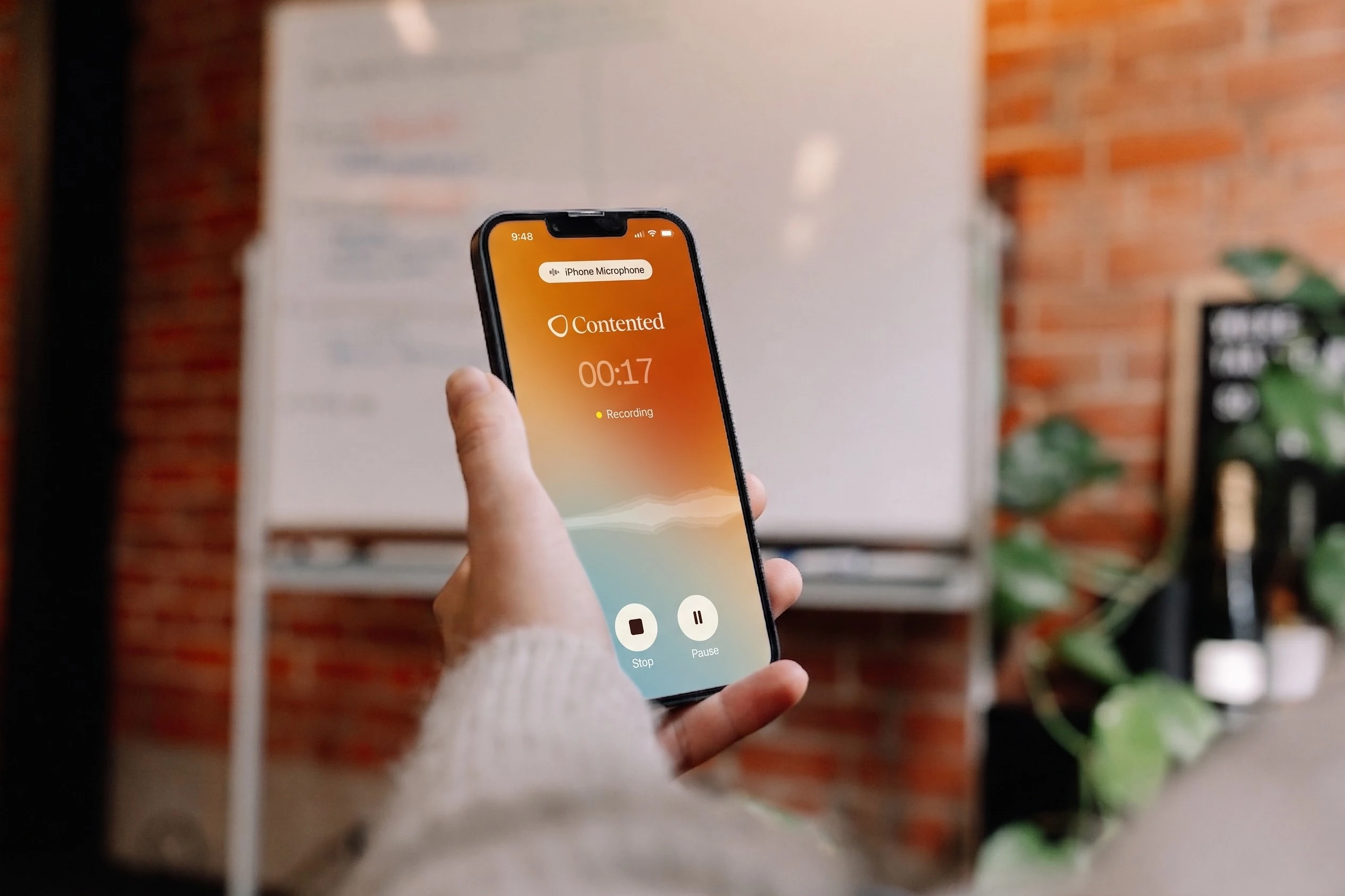
We've been on an absolute new feature frenzy lately. The newest addition: mobile sharing.
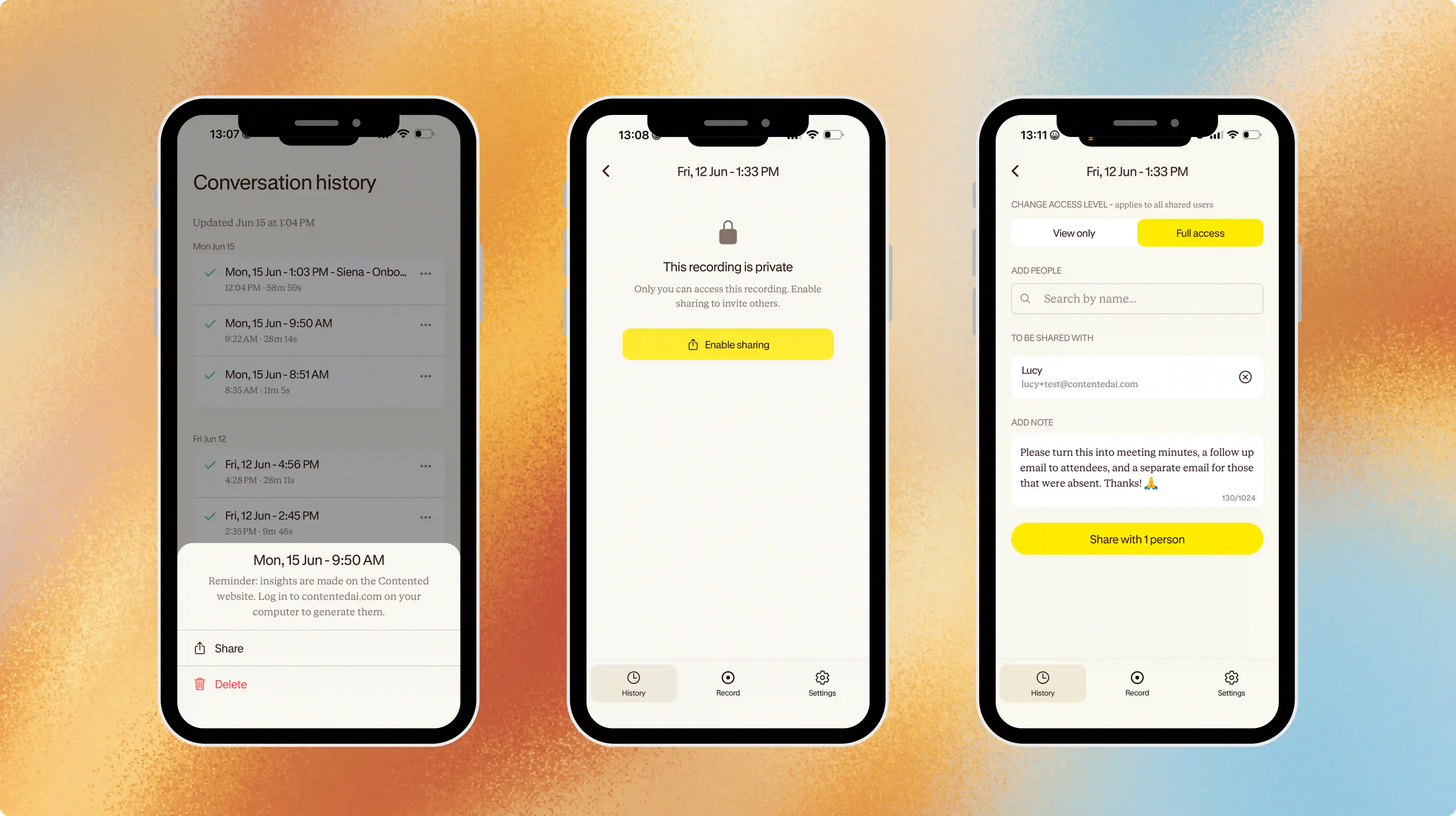
You can now share a Contented recording directly from your mobile app as soon as the conversation has uploaded. No need to wait until you're back at your computer. It's one of our most-requested features, and plenty of users have been wanting a quicker way to get a recording to the right person.
How it might be handy
A non-exhaustive list of ways to use this new feature:
If you work with a support person or administrator who handles your post-meeting notes, you can now give them full access to the recording - along with a note of any instructions - as soon as the meeting wraps up. They can start on the documents and follow-ups while you head into the next meeting.
For those moments where you hear some awesome (or awful) feedback that another part of the business could follow up on, flick the recording across with a note. The relevant colleague gets the context immediately.
And for action items, share the recording with whoever's picking up what you discussed. They can pull what they need and get stuck in.
Permissions for sharing conversations
Mobile sharing works the same way as sharing in your Contented workspace. There are two permission levels:
- View only: users can see the chapter summary and create insights from the conversation.
- Full access: users can view, edit, rename, share to other users, and download the recording and transcript.
One thing worth flagging: once a conversation is shared, any edits made by people with full access apply for everyone with access, and can't be reversed. So if you're sharing at full access, give that a thought before you tap send.
For more on sharing from your phone, read our knowledge article.