









.webp)




.webp)





Copilot vs. Contented: What makes a good AI meeting tool?
.webp)
Microsoft Copilot is probably the AI meeting tool you've heard most about. It's built into Microsoft 365 and gets mentioned in nearly every conversation about AI at work. If your organisation already pays for Microsoft, it feels like a natural first stop, because Copilot does a decent job inside its lane.
The problem is the lane itself. Copilot's usefulness is tied closely to the Microsoft ecosystem, and a lot of conversations and work sit outside of it. This article looks at what Copilot does well, where it falls short, and how Contented fits into the picture, including how the two tools can work together.
AI Meeting Assistant Stats 2026 from Stealth Agents shows that 54% of enterprises had formally deployed at least one AI meeting tool by 2025, up from 27% in 2023, a doubling in roughly two years.
When assessing a tool for your business, you need to look at which tool solves your problems and fits how your team works.
What makes a good AI meeting tool?
When people search for the best AI tools for meeting recordings, the shortlist often comes down to a few practical questions:
- Does it work across the platforms your team uses?
- Does the transcription handle the environments that your team works in?
- Does it create useful outputs?
- Does it save you time?
Those are the criteria this comparison is built around.
What Copilot does well.
Microsoft Copilot is useful if your team lives inside Microsoft 365. It integrates directly with Teams, pulls context from your calendar and emails, and requires no additional setup if you're already on the platform. For organisations where every meeting happens in Teams and every document lives in SharePoint, that integration is valuable. There's no new app to install, no separate login, and no workflow change for people who are already in Teams all day. If that describes your team, Copilot is worth using.
Where Copilot might not work for you.
The platform constraint is where things get complicated. Copilot is built for Teams. When a meeting happens somewhere else, the tool doesn't follow.
Top 7 Video Conferencing Tools in the United States by Market Share (2026) shows Zoom holding 38.7% of the US market, with Microsoft Teams at just 12.1%. Most meetings don't happen inside Teams, and a tool that only works there leaves a lot uncovered.
In-person meetings are a problem for Microsoft. To record one using Copilot, you'd need to open your laptop and join a virtual meeting room, which is awkward at best and impractical in most settings. Sales calls with external clients, interviews in the field, strategy sessions in a boardroom without a screen: Copilot doesn't work cleanly for any of these.
Output quality is a separate issue. Copilot summaries can feel flat, and miss the relative weight given to different topics during the conversation. If a team spent 40 minutes debating one decision and 5 minutes on everything else, a good summary should reflect that, and generic outputs usually don't.
Microsoft Copilot's transcription accuracy is affected by non-US accents, leading to higher error rates. This is due to training data imbalances and the system's optimisation for mostly American accents. Additionally, factors like background noise and overlapping speech can further reduce accuracy. Actions and dialogue get attributed to the wrong people, which undermines trust in the output. When you're producing compliance records or client-facing documents, that's a problem.
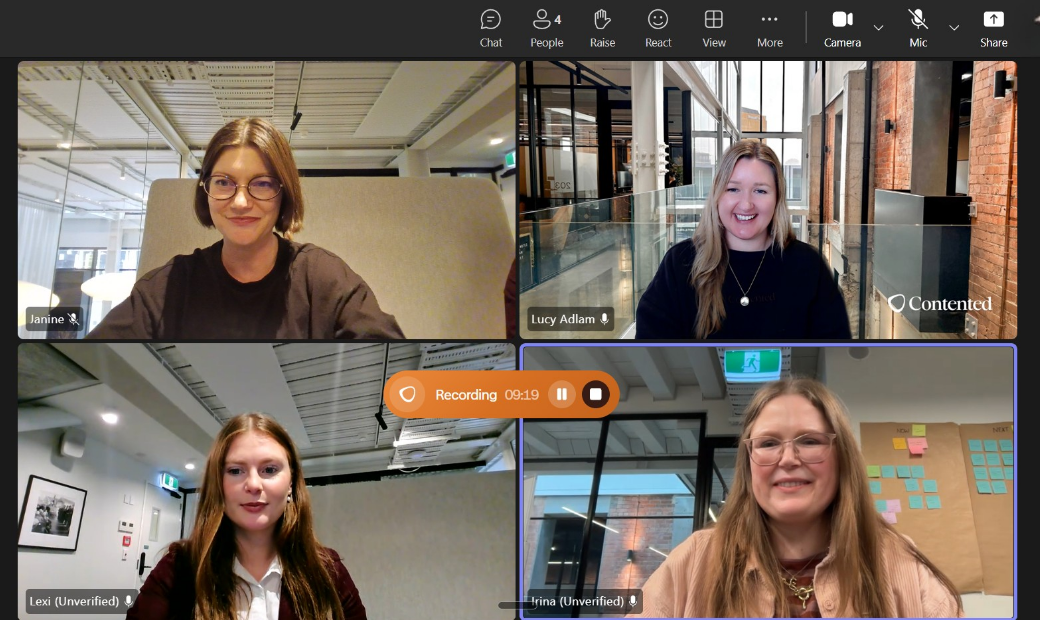
How Contented works for teams using Copilot.
If your team already uses Copilot for Teams meetings, you don't have to choose. Contented covers the gaps that Copilot can't reach, and the two tools can run alongside each other without conflict.
Contented's desktop app can record any kind of video call, including Teams. So you can use it for those, as well as for everything else: Zoom and Google Meet calls with clients, and in-person sessions. The Contented mobile app records anything on the go: field recordings, site visits, walking meetings, your drive home. Everything syncs automatically to your Contented workspace.
What you get following the recording is very different. Copilot automatically summarises key discussion points, suggests action items and answers questions in real time. Contented has 50+ structured, polished templates for documents, actions, charts, and content, which you can select to apply to your recording. Any conversation can become dozens of different assets that match your team's voice and formatting. Export a finished document as a Word file, PDF or CSV. Templates cover meeting minutes, action items, risk register, SWOT analysis, client reports, compliance records, and more, shaped by the actual content of your conversation rather than a generic structure. If you have templates already created in Copilot, or you need to connect to a repository of company documents, you can put the Contented transcript in there.
Contented also lets you create reusable shortcuts, saved instructions that transform meeting content into your preferred output format without retyping anything. If you run the same type of meeting regularly, you set the shortcut once and use it every time.
AI note-taking that captures what was said.
AI note-taking is only as good as what it produces. A summary that misattributes comments, flattens nuance, or reads like a generic recap isn't useful is just more noise you have to sift through.
We hear consistently from people who've switched to Contented from Copilot that the quality of transcription and outputs is noticeably different. Contented's transcription handles multiple speakers, diverse accents, background noise, and technical jargon.
How teams are using Contented.
- External sales calls. Copilot can't record calls that happen outside the Microsoft environment. Contented records any call, on any platform, without a bot joining the meeting.
- In-person meetings. Record on your phone. No laptop required, no virtual room to join.
- Mixed-platform teams. If your team uses Zoom for some calls and Teams for others, Contented handles both without friction.
- Client-facing documentation. Contented's templates produce documents you can share directly with clients or file for compliance, not rough notes that need reworking.
Productivity: what you get back.
The productivity argument for any AI meeting assistant comes down to one question: does it give you time back, or does it create more work? Gallup's research on AI and workplace productivity found that within organisations that have implemented AI, 65% of employees say it has improved their productivity and efficiency, but only 12% strongly agree that AI has transformed how work gets done. Copilot produces a summary. If you want more than that, you need to manually move content into another tool and know how to use it.
Contented's workflow is three steps: record, transform, share. You capture the conversation, apply a template, and export a finished document as a Word, PDF or CSV file. Our customers consistently report being more present in meetings, getting minutes done faster, and feeling a positive shift in their working day. One customer, Leanne Crozier, Director and Co-founder at Decipher Group, said Contented "changed our business in the best way possible and helped me fall back in love with my job".
How Contented and Copilot compare to other tools.
Copilot and Contented aren't the only options in this space. If you're weighing up AI note-takers more broadly, the Contented vs Granola comparison walks through how Contented stacks up against another widely used tool, covering transcription quality, output formats, and platform flexibility in the same plain terms used here.
Side-by-side comparison.
Which one is right for you?
If your entire operation runs on Microsoft 365 and every meeting happens inside Teams, Copilot is worth using. It's already in your stack and it does the basics well.
If your meetings happen across platforms, in-person, or with external clients outside the Microsoft environment, Contented is the better fit. And if you're already using Copilot, Contented fills the gaps rather than replacing your existing setup. The transcription is more accurate, the outputs are more useful, and the workflow gets you to a finished document without extra steps.
If you are ready to see what Contented can do, start a free seven-day trial or book a demo with our team. No minimum term, no lock-in.