


















How to turn recorded project meetings into project documentation.
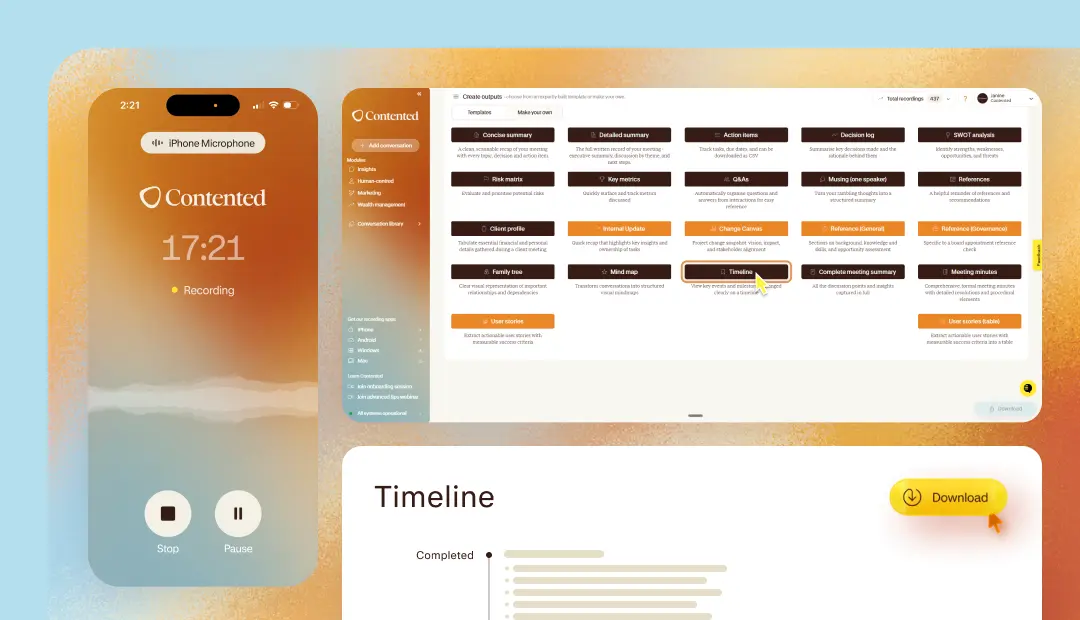
Build consistent project documentation from the meetings you’re already having.
Most of the key decisions, plans, and milestones in a project get said out loud, whether it’s in a strategy session, a discovery call, or a debrief over coffee. Your project records are whatever someone remembers to type up from these conversations. And that’s how projects end up with three versions of what was agreed.
Contented turns meetings into structured, templated documents in your formats and voice. No matter how freewheeling or casual the project chat gets, Contented captures every decision, date, risk, and figure. Here’s how it works.
Record your project meeting.
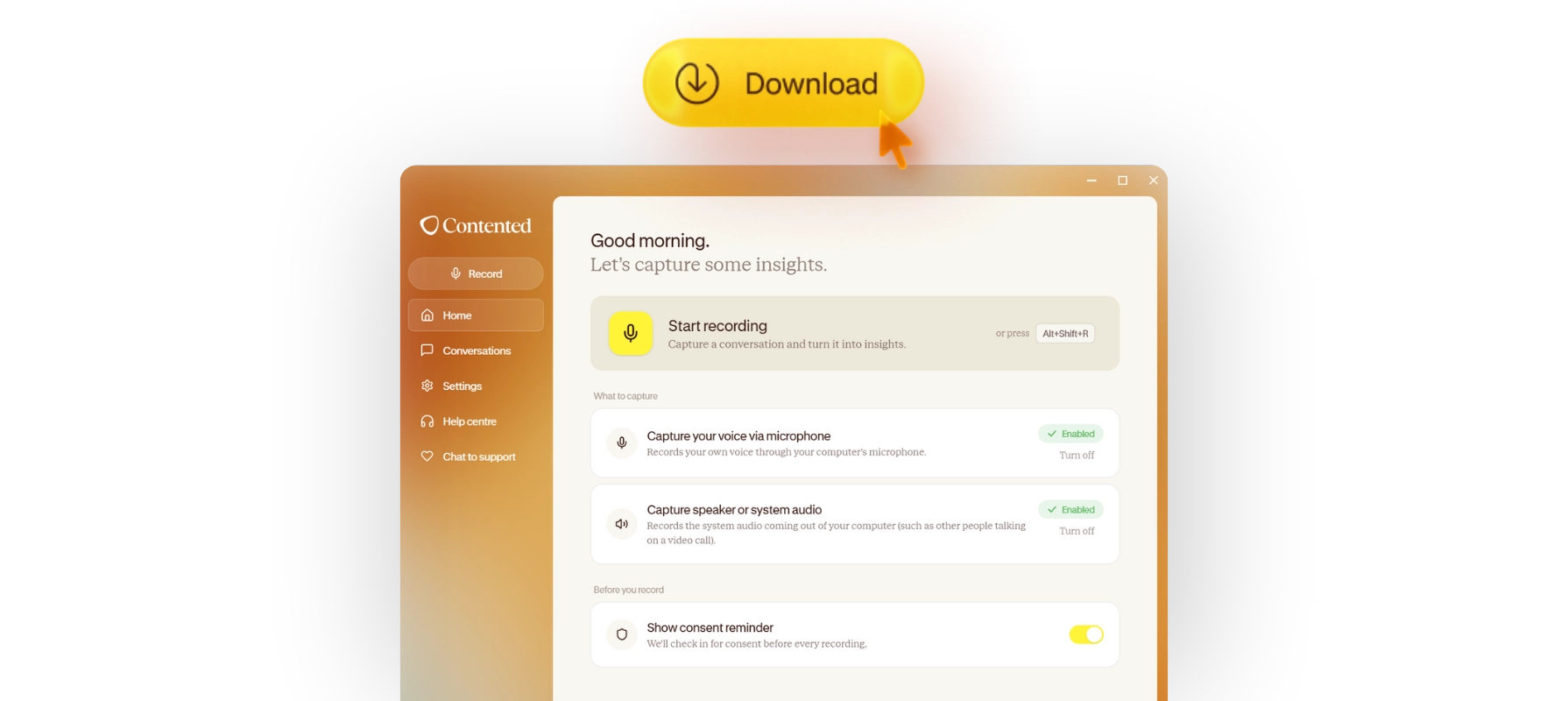
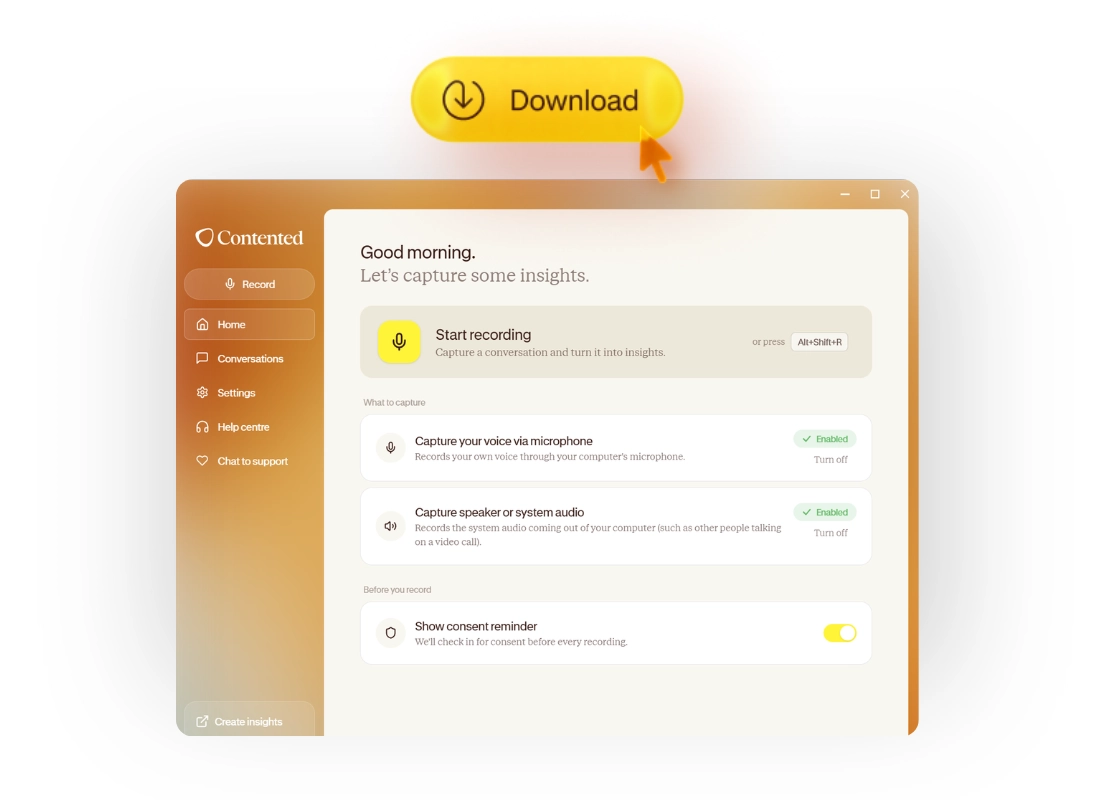
Open the Contented app on your phone and press record. If anyone’s dialling in, use the Contented app for Windows on your computer, which records the video call as well. There’s no meeting bot to invite either way.
Ask everyone first. Our free guide to recording consent has scripts for how best to do this naturally.
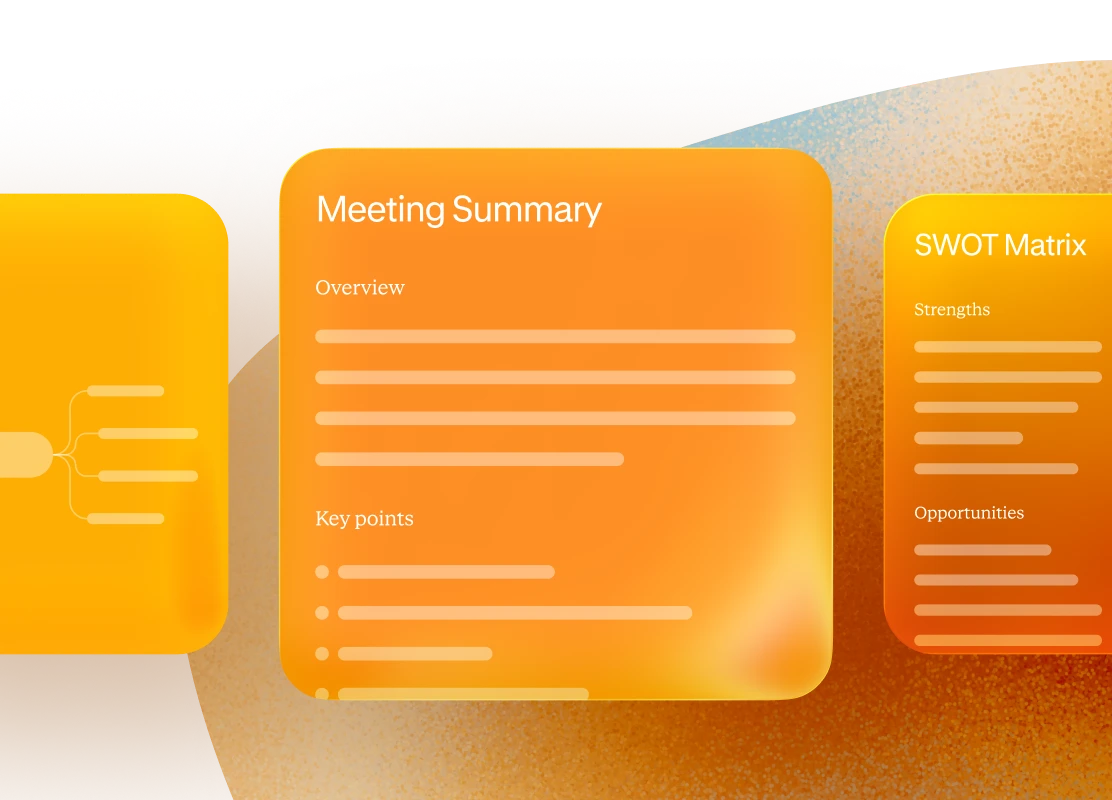
Once the recording syncs to your workspace, label all the speakers from the session, then pick the templates you want to output - there are 50+, but for a project kick-off you probably want to try the timeline, decision log, SWOT, risk register, key metrics, and references. Contented builds the documents from the transcript, so they only ever contain what was said. Review them, then share with your team or download for reference.
Make your templated documents.
These are the Contented templates used by project managers to help structure their work:
Timeline.
This is your key template for any project - the what is happening when. Contented’s timeline template pulls out every milestone from your recorded meetings with its date, deliverables, and owner, in order, and exports as a PNG or SVG for the project pack.
References.
References is really useful in running a project because it’s your source of truth for every name, tool, system, and concept mentioned in your meetings. The Contented reference template produces a table that includes every person, system, vendor, term, and proposal with a timestamp. If you circulate it with the wider team after each session, it means everyone is using the same terms.
SWOT.
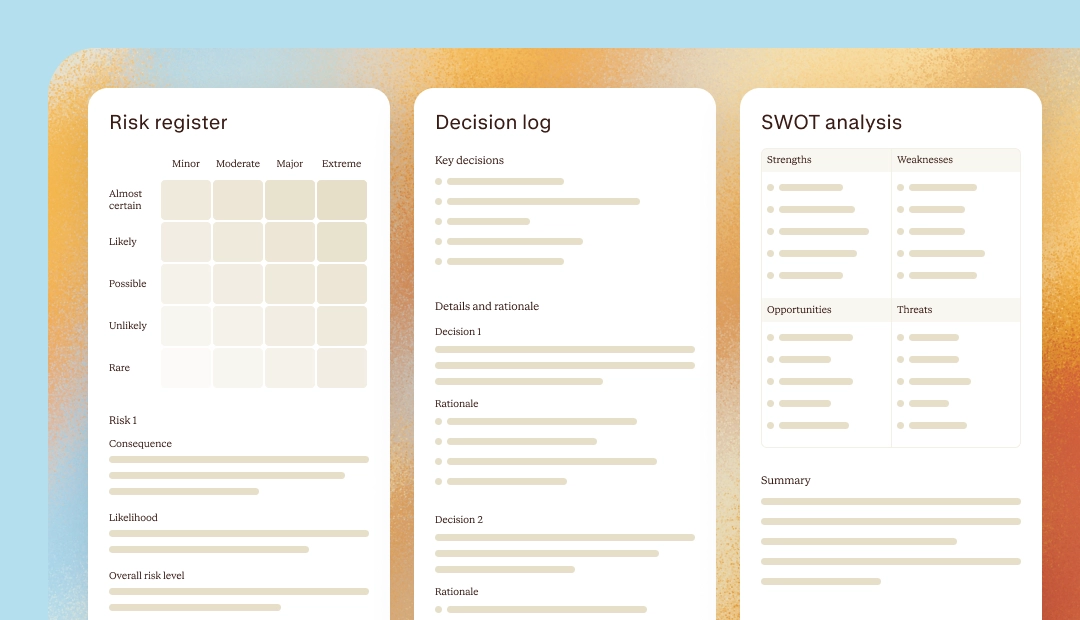
SWOT analysis sorts what was said into strengths, weaknesses, opportunities, and threats, with the transcript alongside so every point traces back to the moment it was raised. It’s a foundational tool for business planning and is typically used to inform decisions.
When you record your project meetings with Contented and use the SWOT template, you get a table with four populated quadrants: strengths, weaknesses, opportunities, and threats drawn directly from your conversation. Contented prioritises the findings. The output is ready to export as a CSV, PDF, or Word document.
Risk register.
A risk register is great at the start of a project, because it documents any potential threats mentioned in the discussion, and puts them into a structured table assessing their likelihood and impact. Likelihood is down one axis, and consequence level is across the other. Every risk brought up in the meeting will sit somewhere between "rare and insignificant" and "almost certain and extreme". The output has a write-up for each risk, covering the consequence rating, likelihood rating, and the overall risk level. They’ll be sorted so that the most extreme and high-rated items are at the top. You can export the risk register as a CSV, PDF, or Word document.
Decision log.
The decision log is what keeps everyone accountable after every project meeting. The Contented decision log template captures each decision made in project meetings: what was decided, who’s accountable, and the context that shaped it. The log is built from what was said and agreed in the conversation. It’s a great idea to share the document with the wider team after meetings, so everyone knows exactly what was agreed.
Key metrics.
A key metrics table catches the numbers that get thrown around, such as the budget, a contractor’s hourly rate, and delivery targets, each with a note on what it refers to.
Record your next project to try it out.
These six are a starting point. The template library has more, and on team plans we’ll build custom templates that match your organisation’s own formats and terminology.
Record your next steering committee and try it on one of the six. Start a free trial, or book a demo and we'll record and build documents while we chat.